Antminer S9 Space Heater Edition
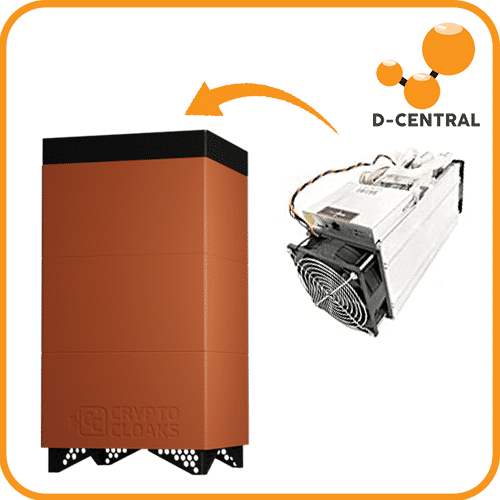
A dual purpose mining product from D-Central Tech.
First and foremost am I a big great fan of dual-purpose mining (as which can be evidenced by my 2 entries on Bitcoin mining here and here).
Secondly, I am a big fan of supporting builders within the Bitcoin community. Especially where it concerns builds that will and can help support the network overall.
As part of my affiliation to D-Central Tech (and my focus on Bitcoin mining) did I get sent this miner for me to experiment and play with.
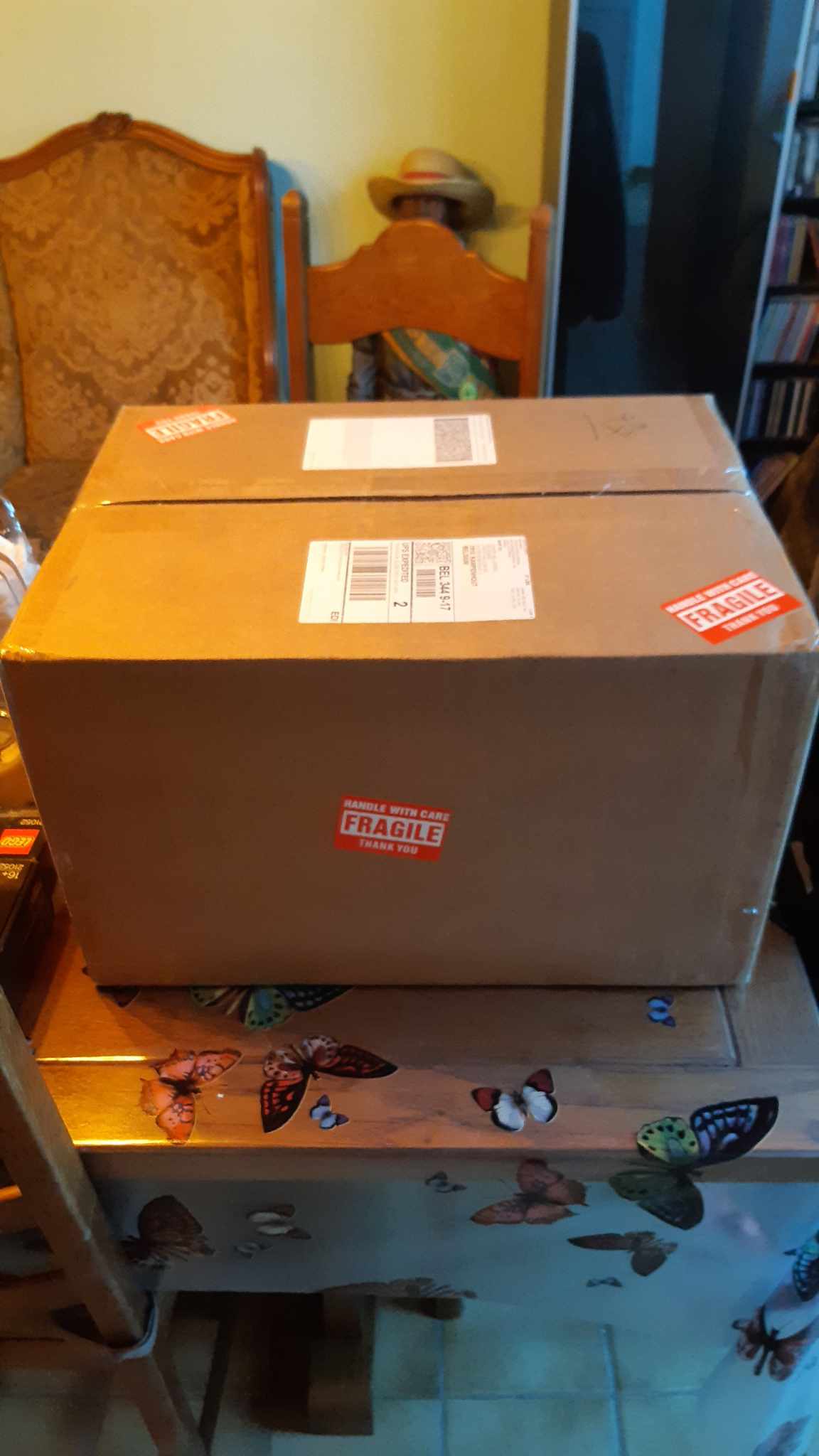
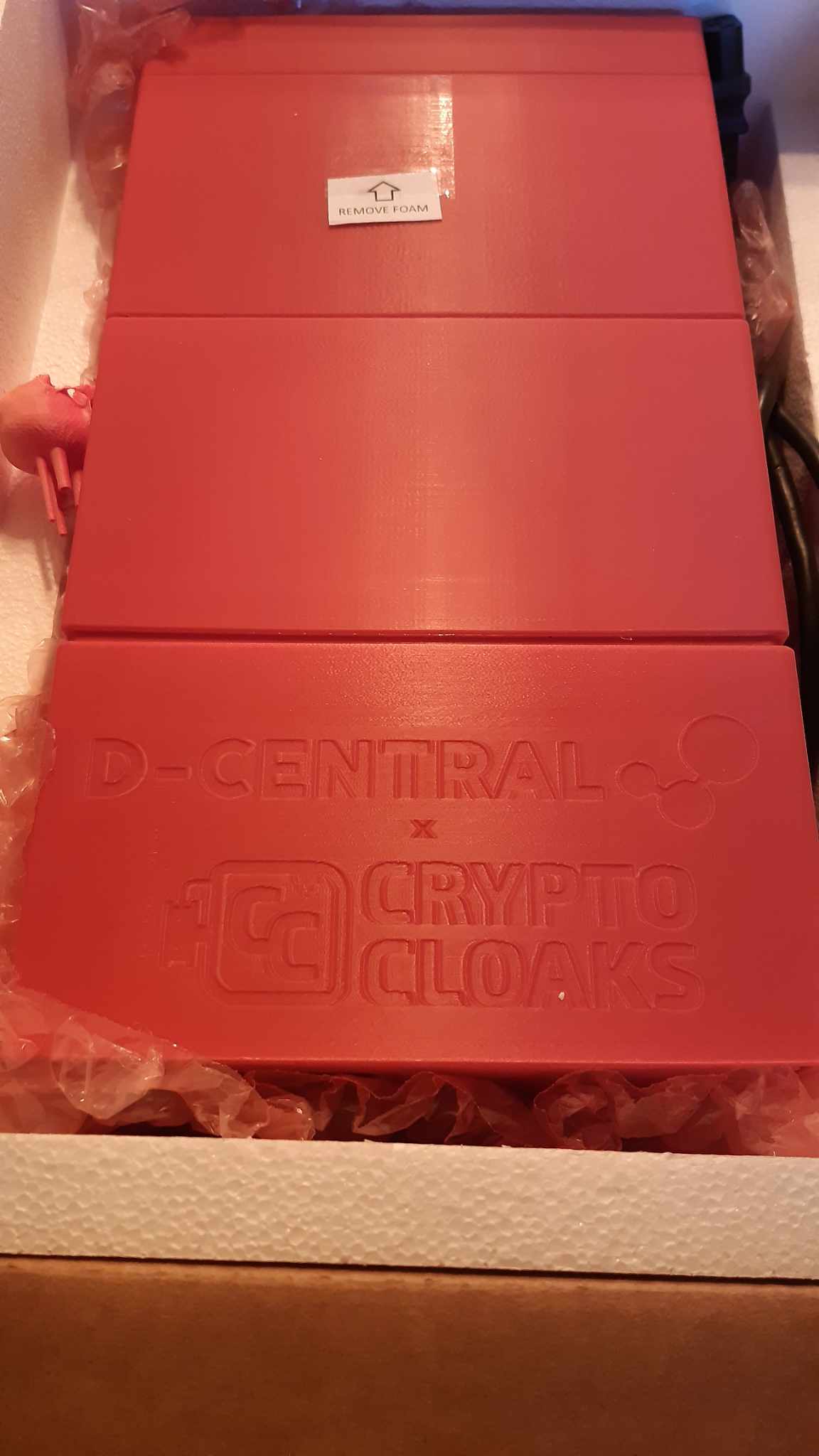
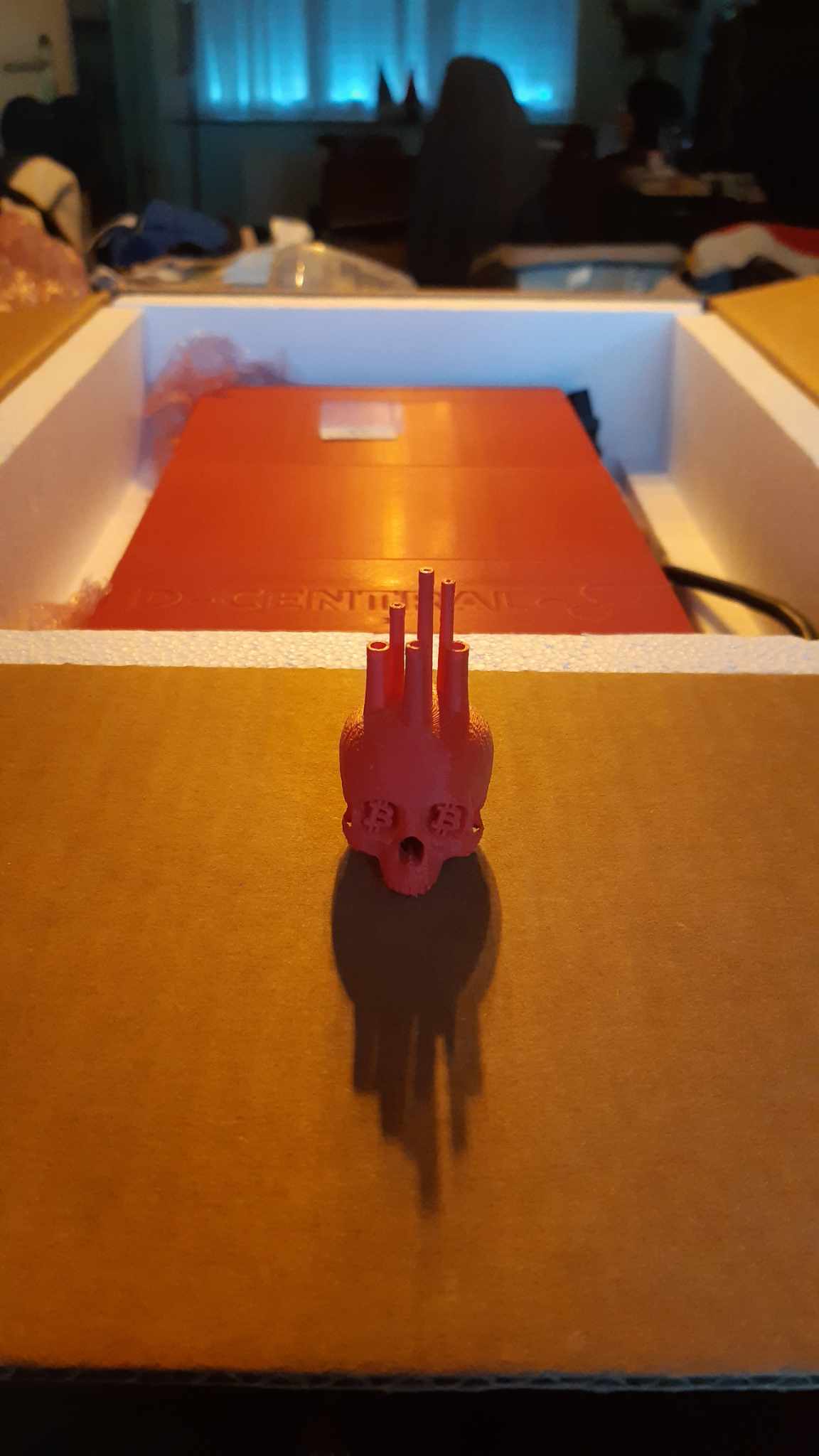
The unboxing:

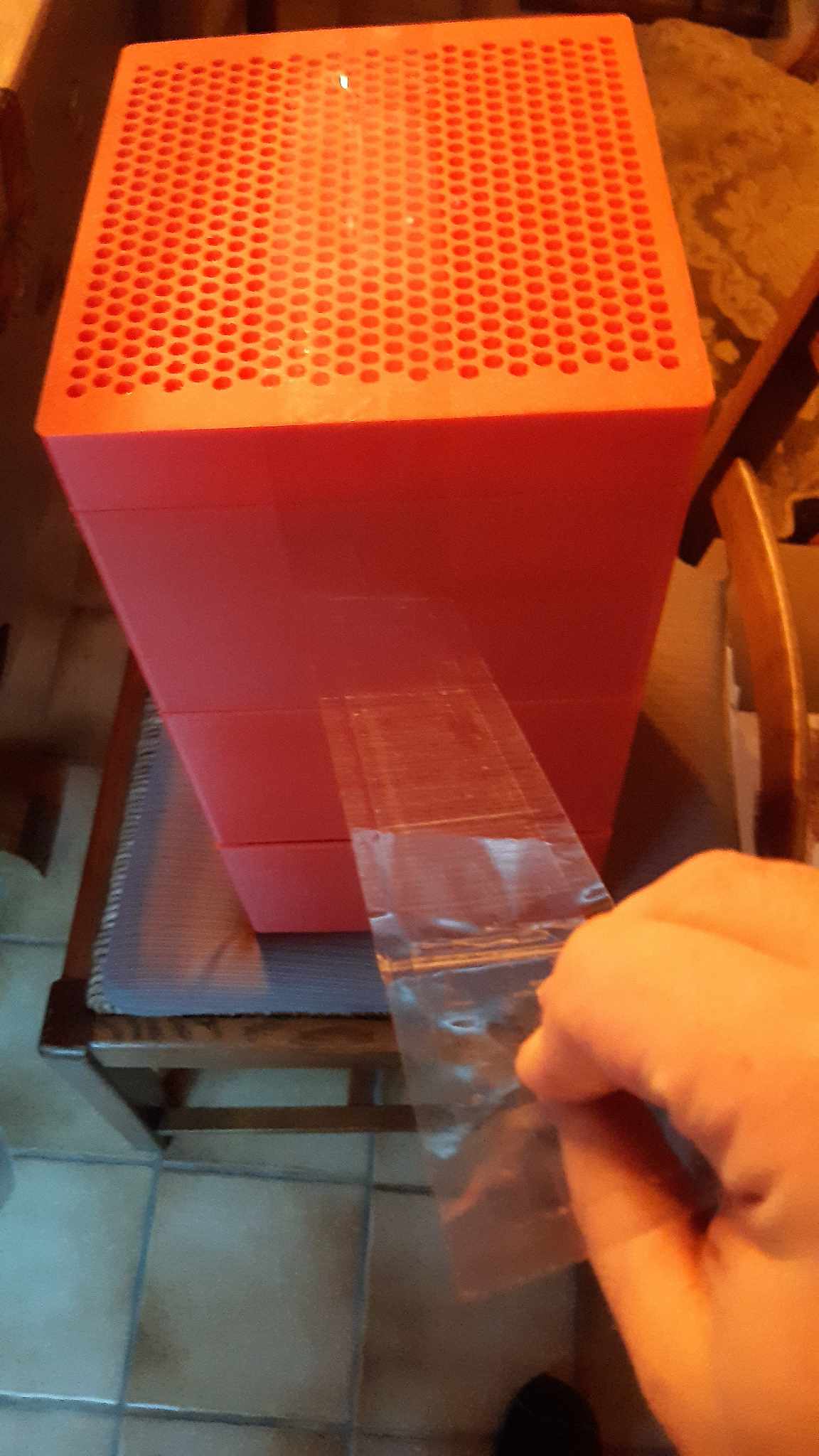
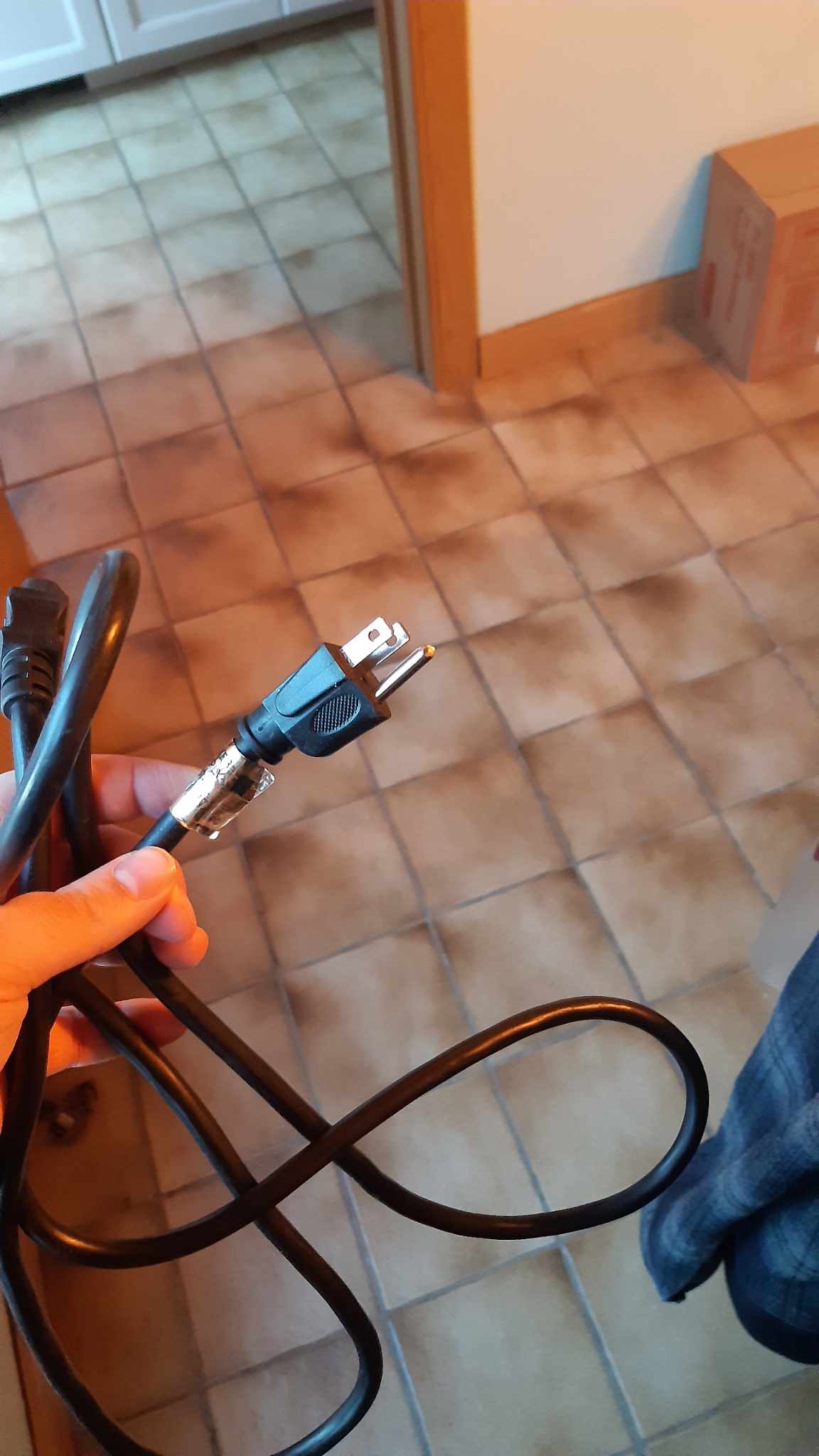
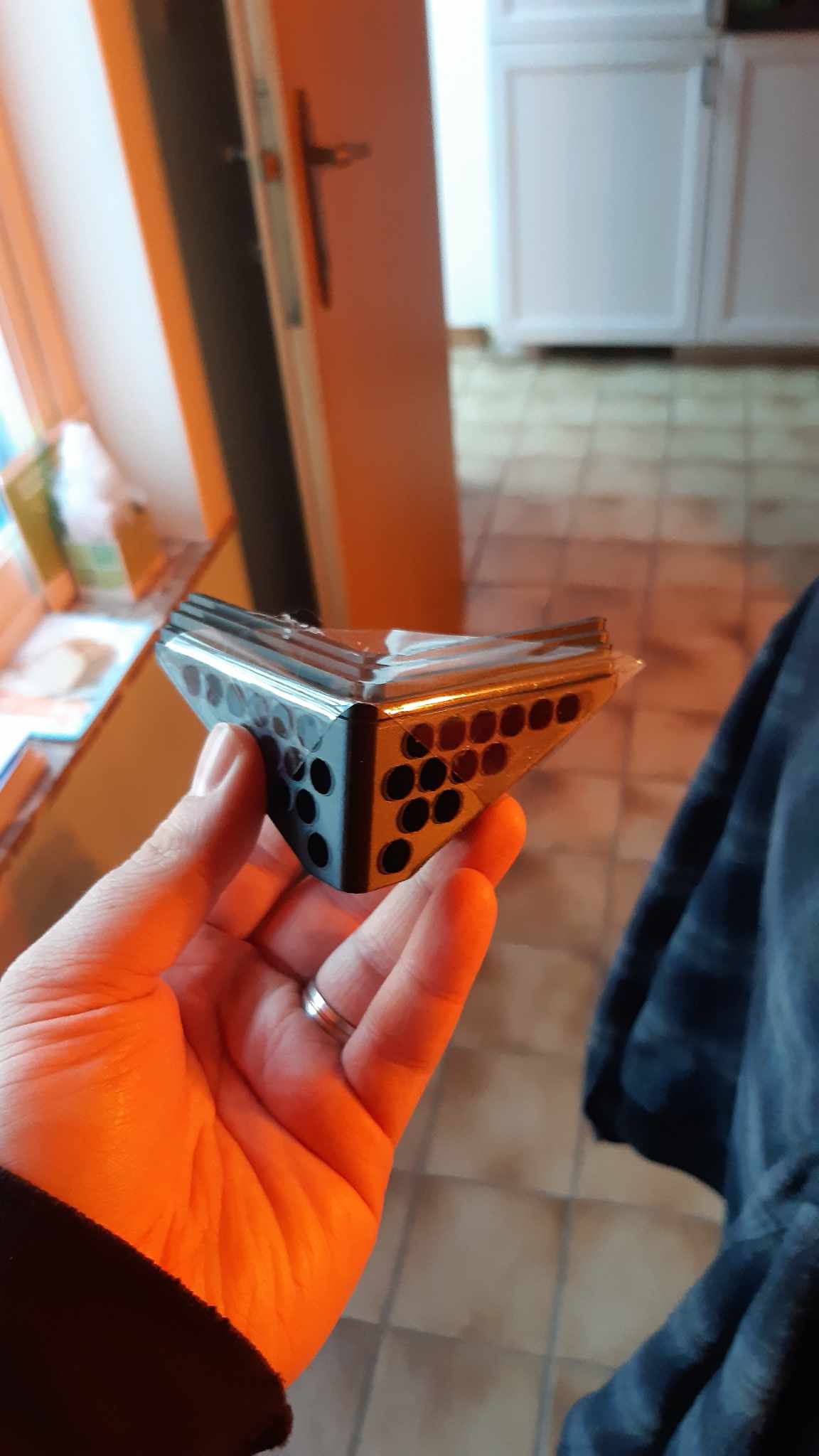
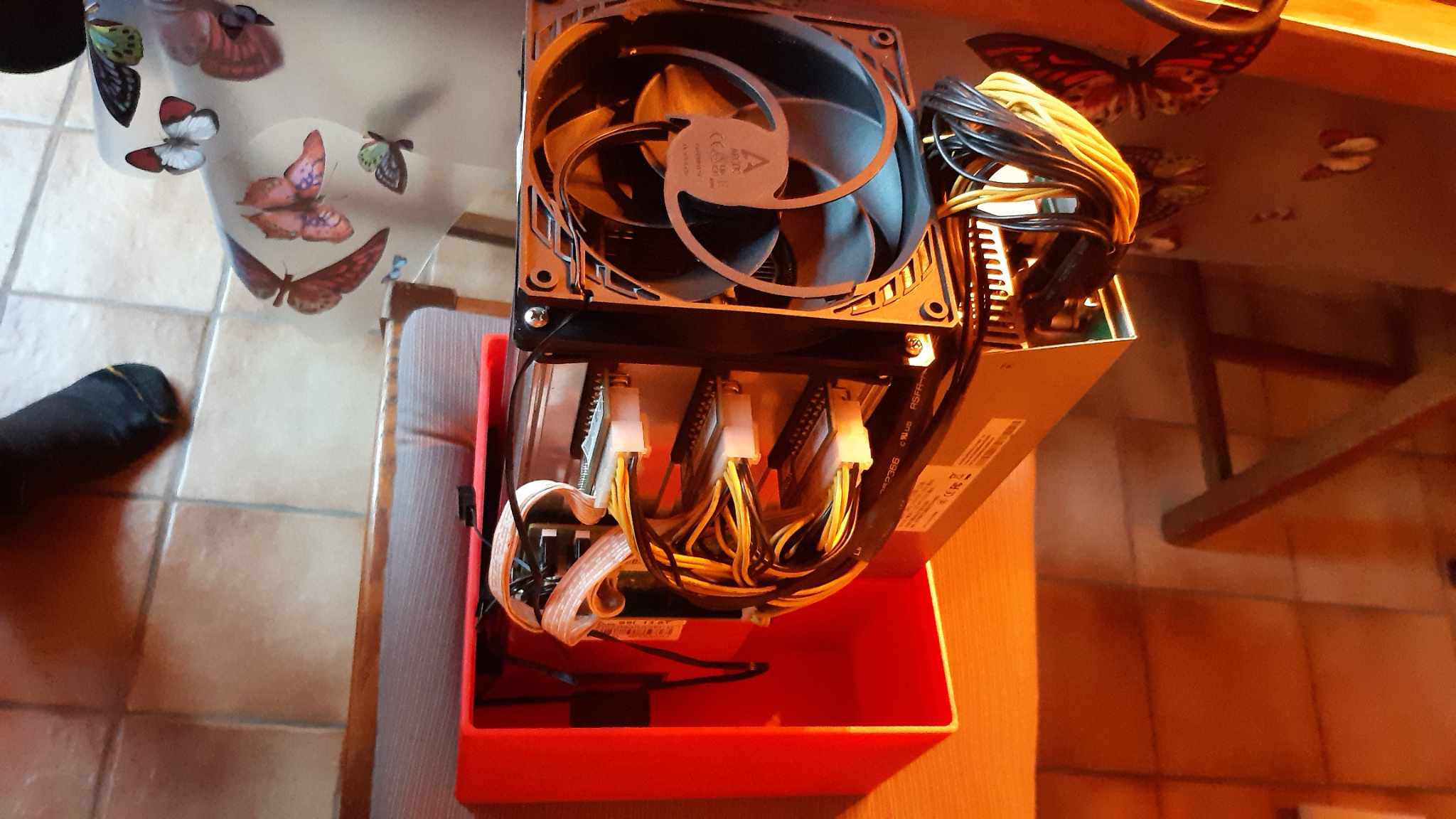
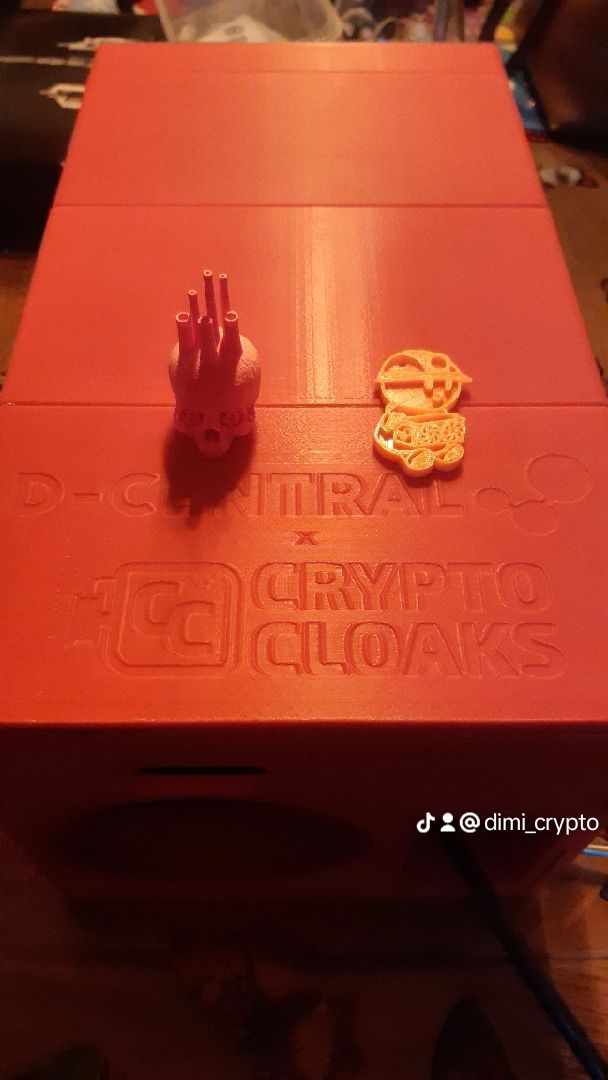
Why the zoom-in on this product? Why the focus on dual-purpose mining?
All falls back to lower costs in relation to mining in order to maximize profits in the long term.
Profitability calculations take into account all costs in regards to maintenance, use and upkeep of the AntMiner. A miner with a healthy sense of finance, and diamond handing Bitcoin, will prefer not to sell his $BTC and cover costs in fiat as much as possible.
This means the miner will take a look at his global household finances and see if he can ” afford” to keep his rig running. By going with the AntMiner S9 – Space Heater Edition you’ll make better use of the electricity used by the AntMiner as you’ll manage to lower heatingcosts.
There is creativity to be had in regards to this product. While it can serve as a handy money-printing local heater, it can function as a stand-alone heater in small rentals (think tiny-homes on AirBnB).
Specific for the Antminer S9 is that this model is more pleb-friendly. It is a well-rounded product that has been for (re-)sale for quite some time with plenty of self-help guides around.
For me; to set up the miner, I can refer D-Central Tech’s miner maintenance guide for the S9 for some hidden needed and additional details.
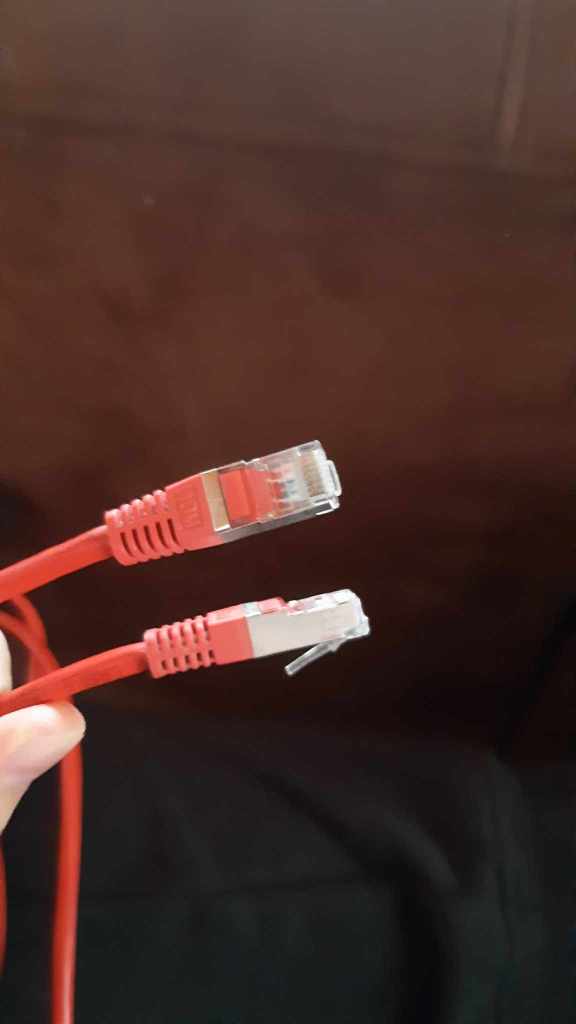
What helped me most was going straight to BitMain’s website and download their guide in setting up the miner from scratch. You can find the Antminer S9 setup guide here. One of the main things you’ll need is an Ethernet connection to connect your computer to the miner in order for setup to take place. For the real plebs who do not know what an Ethernet cable is:
When plugging in the miner for the first time you’ll notice he does a “run” and stops running while a red light pops-on. This is the signal it needs to be configured still.
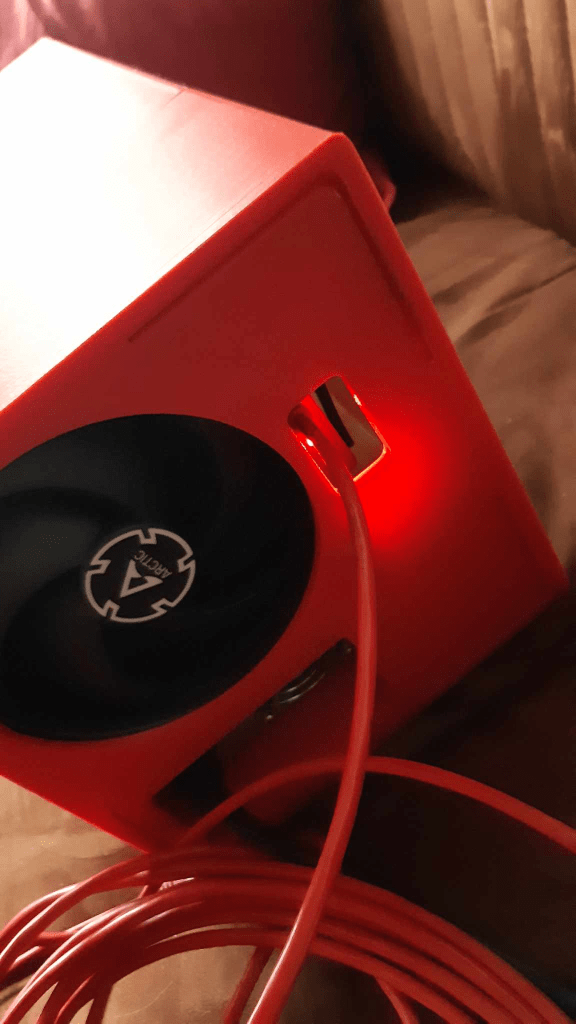
This indicates that configuration is needed. it is best to follow the guidelines as specified in the mentioned Antminer S9 setup guide:
- Download the IP-reporter
- Follow the mentioned steps in order to get an IP-address (and write it down)
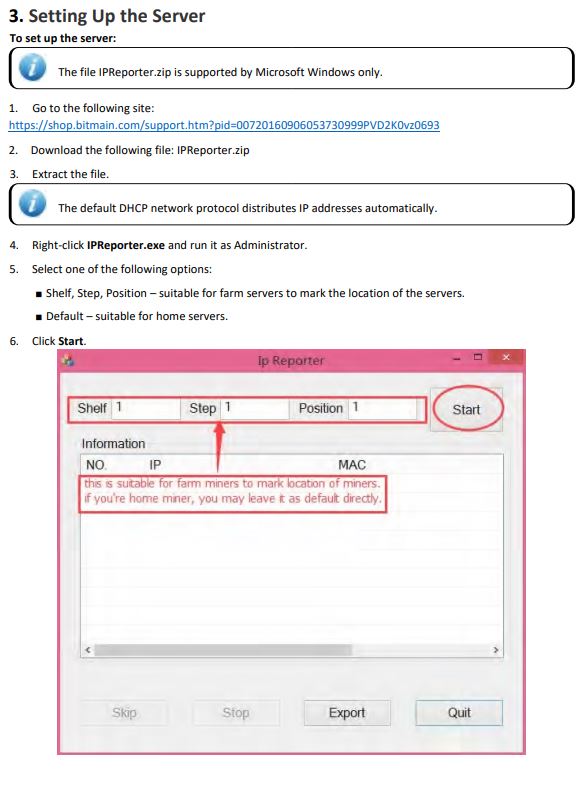
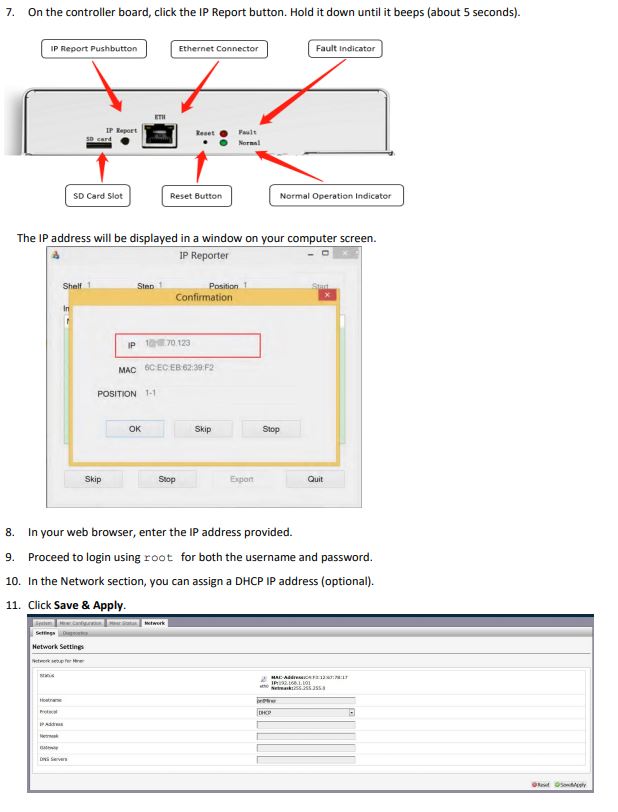
HOWEVER!!! It seemed the ANTMINER S9i I received was not recognized by the IP Reporter and I had to go another route. My computer recognized “a connection” to the miner but could not manage to give me an IP-address in order to access the miner and continue setup.
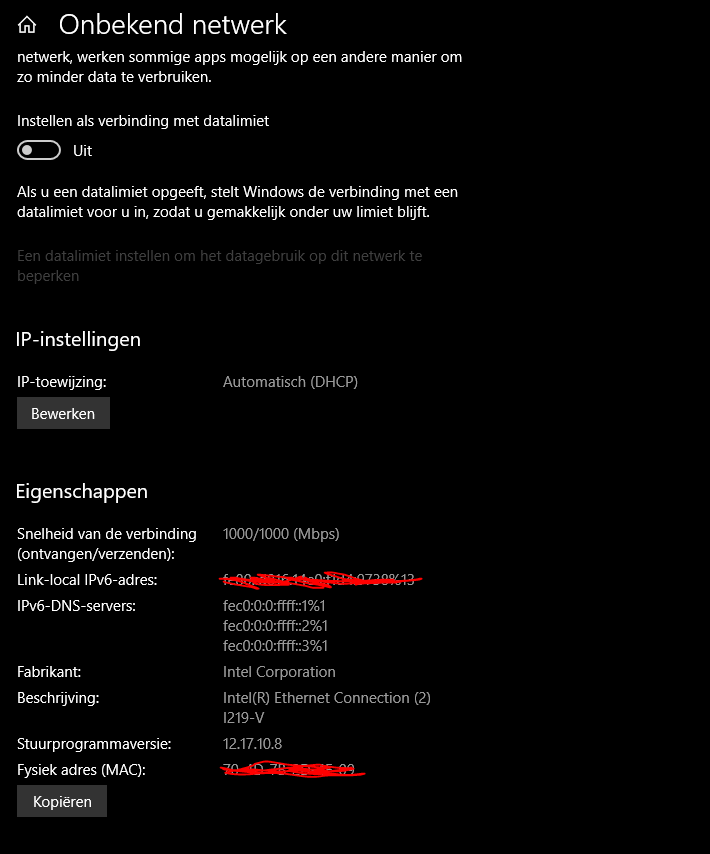
In order to get an IP-address I had to connect the miner on my router and through my router configuration I managed to FINALLY connect:

I was redirected to a login page, by following instructions of the general BITMAIN ANTMINER setup document, I had to login using “root” as a login and password which gave me direct access to the following screen:

Went to the “configuration” tab to configure server and pool.
Connection was fairly easy, I visited the Ocean_mining website to get the links to join the pool.
I also needed to input “username” and “password”. Username being nothing more than my BTC-receiving address:
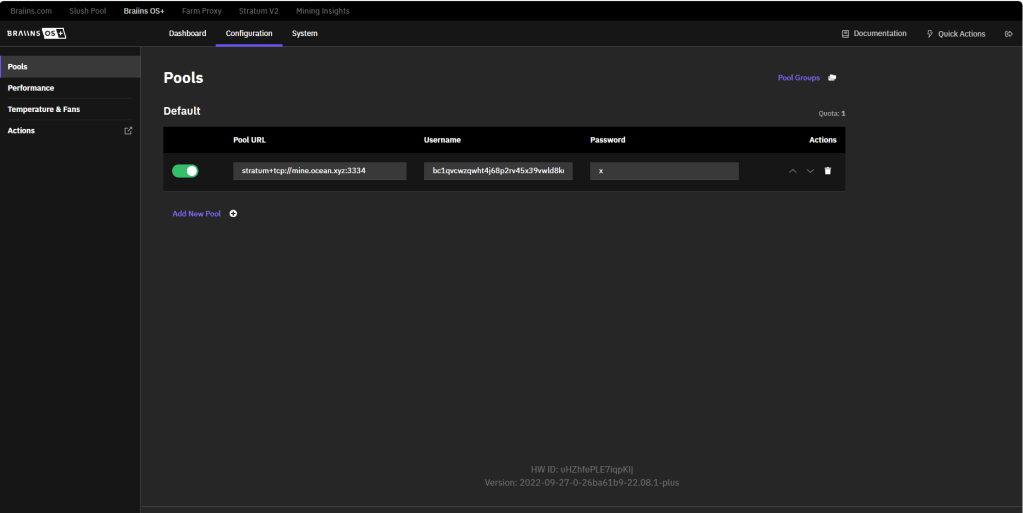
…and that was it!! The space-heater started working and I could monitor hashrates etc.
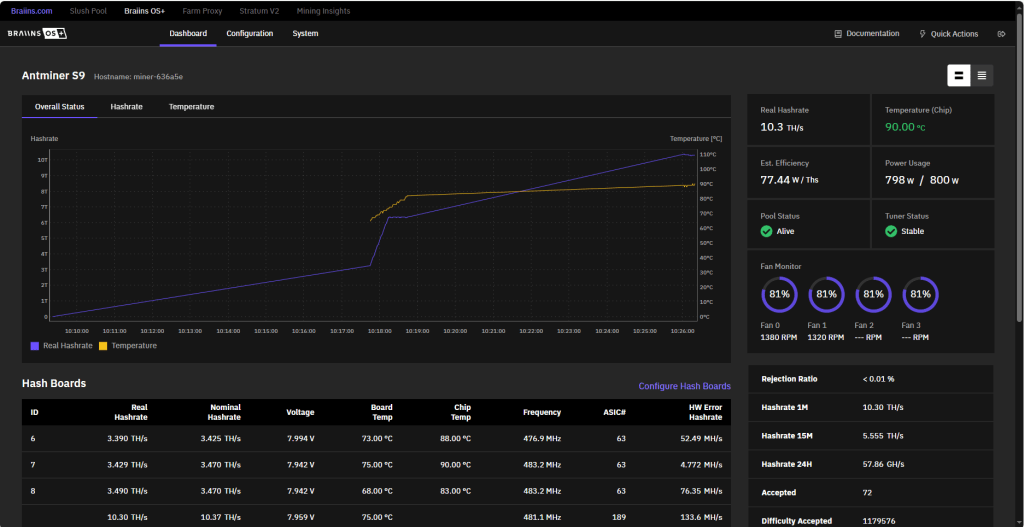
Now for those of you who are interested in “how do I adjust hashrate output?”.
Fairly simple. I leave it turning at a reasonable 800W which means the miner will give an output of about 10TH/s (see previous image). To configure you have a variety of options.
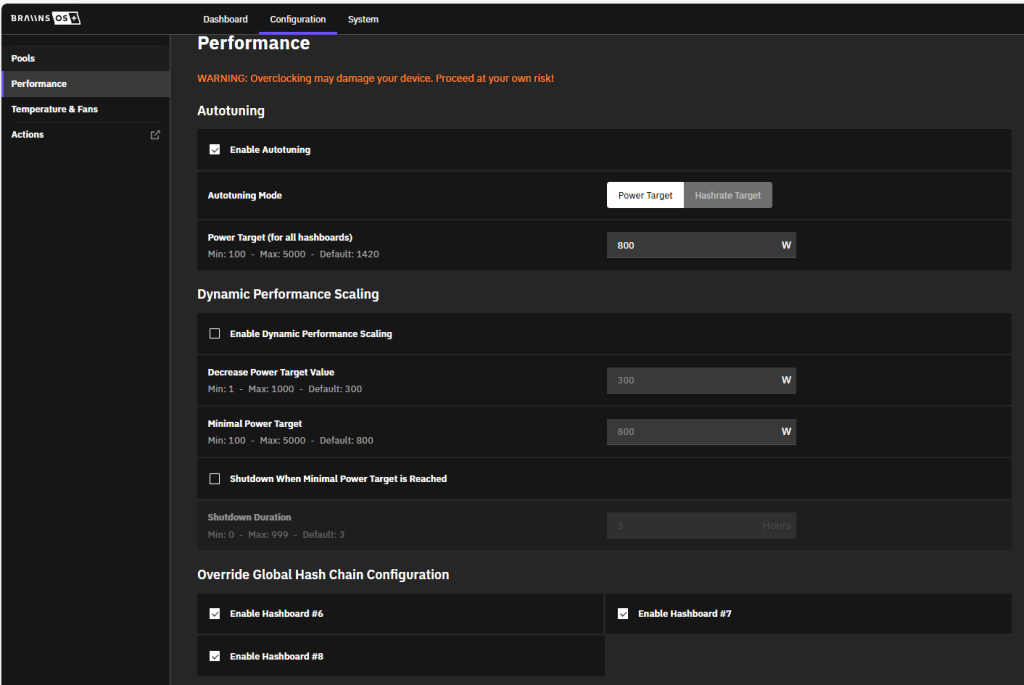
If being a real “PLEB-miner”, the auto-tuning mode is advised.
You can choose between “Power Target” and “Hashrate Target”.
The choice between both depends on your mining installation. If you have one of the newest miners, “Hashrate Target” may be a viable option for a mining farm.
Home-miners are best off with “Power Target” in order to better monitor their electricity consumption and allow to (more or less) steer how much heat the Antminer S9i Spaceheater produces. The indicated 800W means it’ll use 800W to mine Bitcoin but, as indicated in a previous blog entry titled: A CASE STUDY: RENEWABLE BITCOIN MINING AS HOME SOLUTION FOR GREENHOUSE FARMING I made last year, a good percent is being used to produce heat. How much exactly? Between 20-40% is being used as heat. This means that at a setup of 800W is my miner currently producing around 240W in warmth.
Using this 20-40% (I take 30%) I can adjust heat output and let the miner hash up (or down) based on heating demand. Another advantage of using “Power Target” is when you have an overproduction of renewable energy at home. You can scale the miner to eat up all the excess used energy.
Onwards to the SPECS.
The Antminer S9 Space Heater Edition can be tailored based on the miners’ needs.
The standard version with Stock Heat-sinks and fans can be a bit of a noisy bugger and more reserved to heat up work-spaces due to the “elevated” noise levels. In my own case would this standard version best be used in my laundry room where my clothes hang to dry. It is a distant room where only the washing machine, a freezer and clothes dryer are. It is attached to the bathroom and “isolated” from other living spaces where noise is a more serious issue when seeking to wind down from a long day of work.
Luckily this product is customizable and a version is available which allows for noise-reduction. This more silent version is a perfect fit for use in bathrooms year-round ON THE CONDITION IT IS WELL VENTILATED. While the integrated AntMiner CAN fonction at humidity levels of 5-95%, advice is to keep it in more dry spaces (between 50-65% like living rooms). Electricity and humidity are, after all, not the best of friends.
Why use the heater in a bathroom? Bathrooms see intense activity at certain intervals of the day whereby the space becomes energy-intensive for short whiles. As an engineer in HVAC I know bathrooms are standard equipped with infrastructure that is energy-intensive in short use. Even during summer do people want comfortable temperatures when leaving their shower. Small electric heaters tend to be present in most households to get that little “boost”. Heat also helps to dry the bathroom so no excess humidity can settle on and inside the walls. By supplying the bathroom with produced heat from the miner 24/7 are you actively taking countermeasures against all problematic side-effects of humidity in your home (though some ventilation is still required).
Most “traditional” electric heaters consume upwards of 1kWh in electricity for about 2-4 hours a day. That is 2-4kWh in electrical costs down the drain. The Antminer S9 Space Heater Edition can use upwards to 1.372 kWH for a maximum of 14TH/s (±5%). Depending on electricity prizes might you choose to have it run at max capacity (using slightly less than a hair dryer). The space heater edition will provide the necessary heat to aid “breaking the cold” in most small chambers (keeping them frost-free) or even create dedicated “heat rooms” should you be an avid green-house farmer (just beware in summer that it doesn’t overheat).
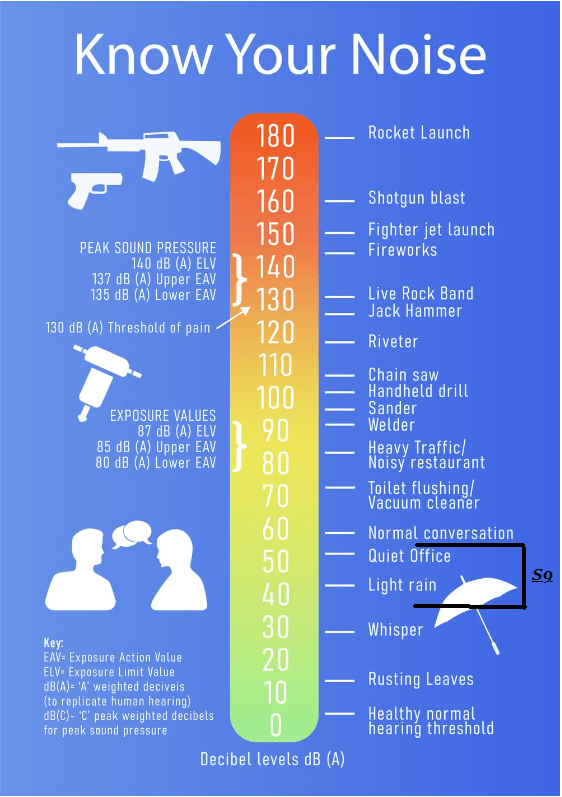
Balanced approach, and making use of customized silent fans (like the one I received whom was equipped with the 140mm Silent Arctic P14), can make this the perfect solution to help heat up rooms where noise becomes an important aspect. With the Arctic fans (or as DCentral calls it the “Silent Thermalright Bazooka Edition“) is its noise output lowered to the 40-50dB range.
Should you be curious what amount of noise that is, I will refer to the following chart:
The design.
Antminer S9 Space Heater Edition has a rather simple design. It is quite “neutral” when it comes down to it and, in my own fair opinion, can be integrated in most homes without attracting too much attention. The fact that the heater itself is available in a plethora of different colors (black, gray, white, orange, red, green and blue) allows you to “play” with it. It can be a discreet little heater that doesn’t draw any attention OR have it stand-out as a little attention grabber.
The one I receives is the nice Bitcoin-Orange version with the heater’s designer tag adorned on the front side.
Final notes:
It is a handy top product from D-Central in collaboration with CryptoCloaks (the people who designed the space heater). I suggest opting in for the upgraded heatsinks for better performance overall (both for heating as efficiency of the miner).
In regards to connectivity is the wired version most easy but limits the placement of the Space Heater. The better choice (although connectivity can become a bit of an issue) is the WiFi-version in my opinion. Just make sure once opting in for the WiFi-version that it has excellent connection anywhere in your home. Otherwise, installing some WiFi-repeaters is advised to ensure good functioning and connectivity.
 Bit-Block.org
Leave a comment